 gamedev.sh
Bring characters to life
Ask for a run, a jump or an attack, and your agent creates the animation for any character in your game.
Connect the gamedev.sh MCP server to Claude Code, Cursor or any other agent.
Create a hero for my game: a fox ranger in a green cloak, with a bow.
Used gamedev.sh to draw the character

Done. I drew the fox ranger and added it to the game as the player character.
assets/characters/fox-ranger.pngAsk for a run, a jump or an attack, and your agent creates the animation for any character in your game.
Keep only the object you need. Works on concept art, screenshots and your own drawings.
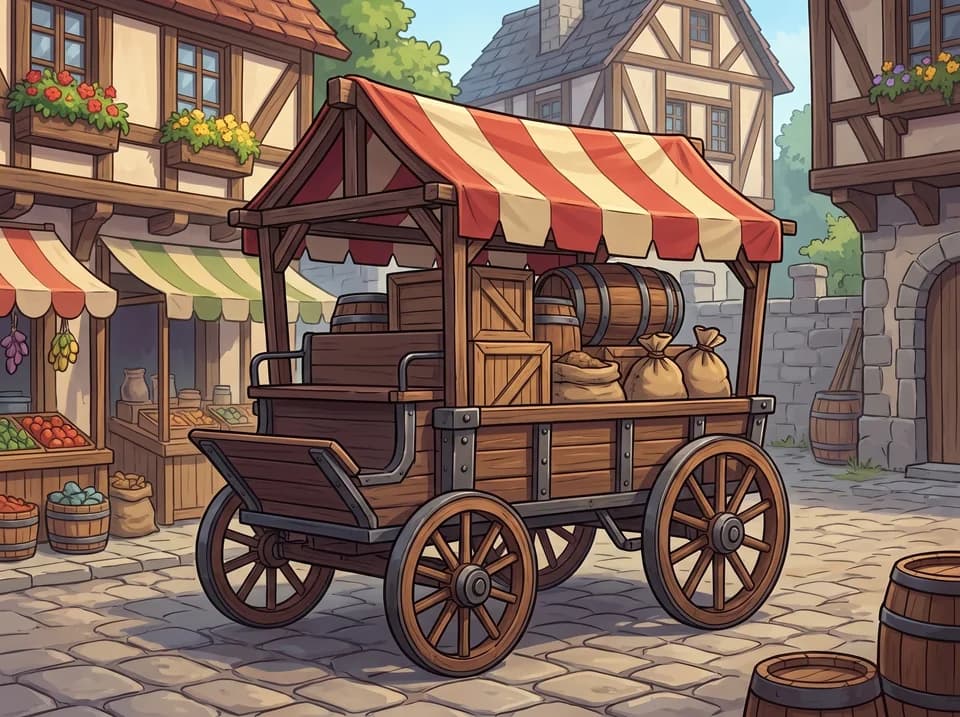

A battle theme, a coin pickup, a line for the shopkeeper. Describe the sound and your agent makes it.
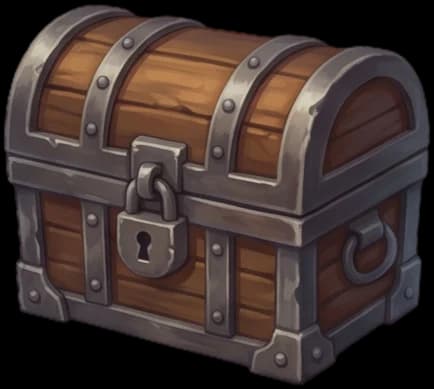
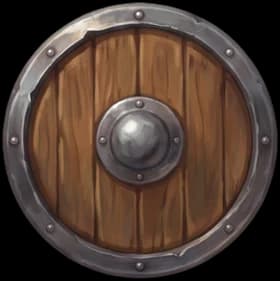
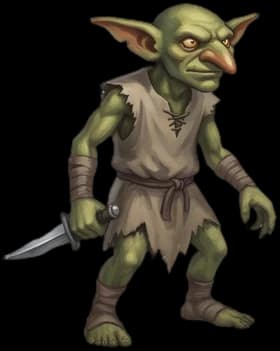
We keep a catalog of 1,500+ icons and sprites we made ourselves. Your agent finds what fits by tags and adds it to your game without spending tokens.


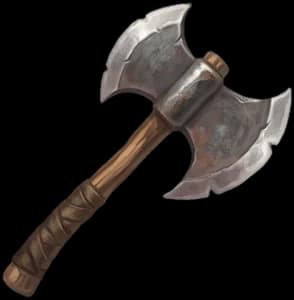
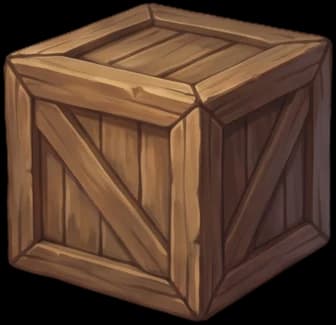
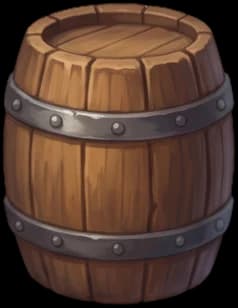

Subscribe on the pricing page. Your tokens are ready right away.
One click in your dashboard.
Run one command in Claude Code, or add the server to any MCP client.
claude mcp add --transport http gamedev-sh https://api.gamedev.sh/mcp \
  --header "Authorization: Bearer gdsh_v1_YOUR_TOKEN"